Context
Most expense trackers ask for a lot: bank logins, an account, a subscription, and ten taps to record a cup of coffee. People stop using them within a week. We wanted a tracker that is fast to log, easy to read, and that never asks for data it does not need.
Walley is not a bank or a payment processor. It helps you track and understand your money, not move it.
The problem
Three failure modes kept showing up in our research and in reviews of other apps:
- Logging friction. Typing amounts, picking categories and dates is slow enough that people fall behind and give up.
- Trust. Users are uneasy about where their financial data goes and who can see it.
- Insight without noise. Charts are often decorative rather than useful.
Approach
Lower the cost of every entry
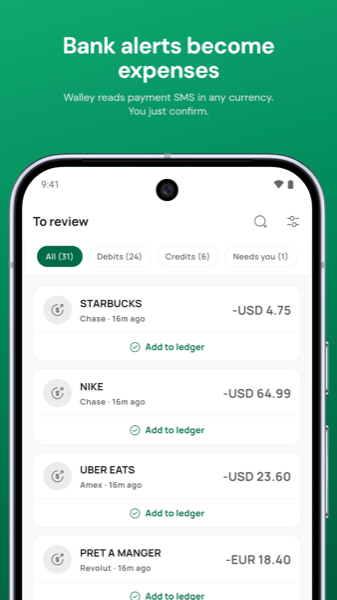
We built three entry paths and made each one short. Manual entry takes seconds with smart defaults. Receipt scanning reads the merchant, amount and date from a photo. Voice entry lets you say "lunch 340 taka" and have the fields filled in.
Keep the data on the phone
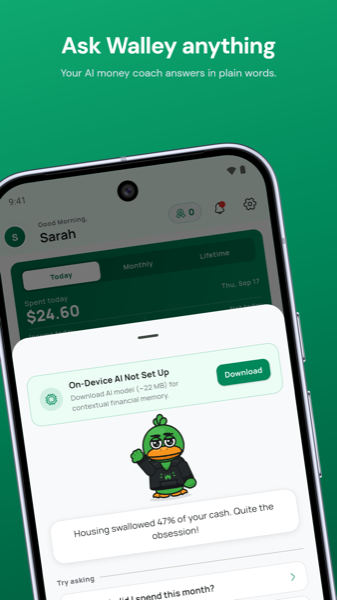
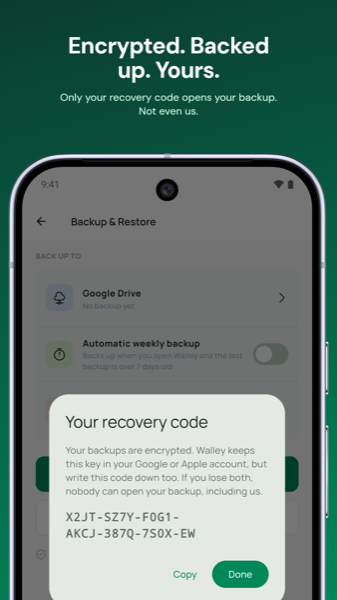
Expenses, budgets and the profile live on the device. The ledger is encrypted at rest, and the app can be locked with the phone's fingerprint or PIN. Backups are encrypted with a recovery code that only the user holds. Smart features that need the network use only what that feature requires.
Make insight legible
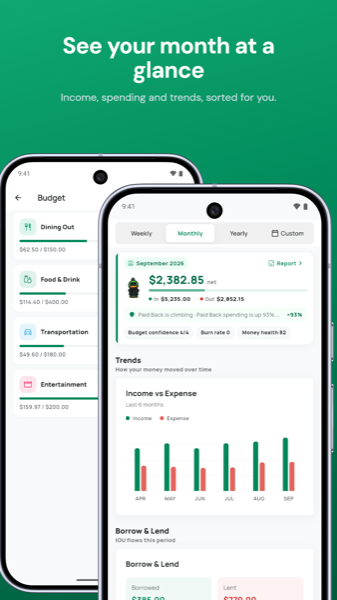
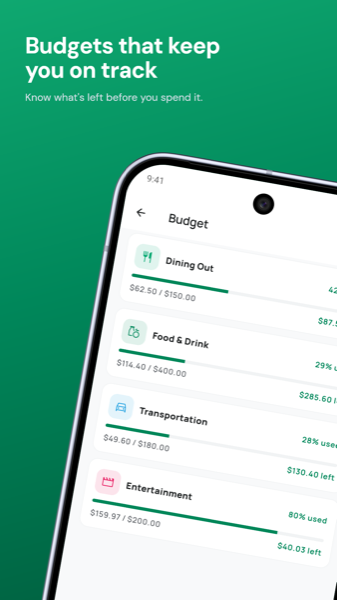
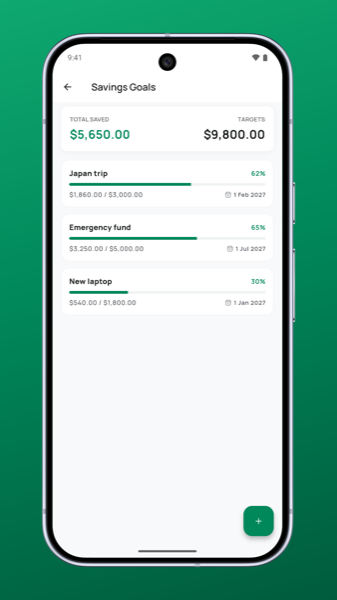
Cash-flow trends, category breakdowns, and weekly, monthly or custom ranges, each one designed to answer a single question. Streaks and achievements keep the habit going without turning finance into a game.
Design
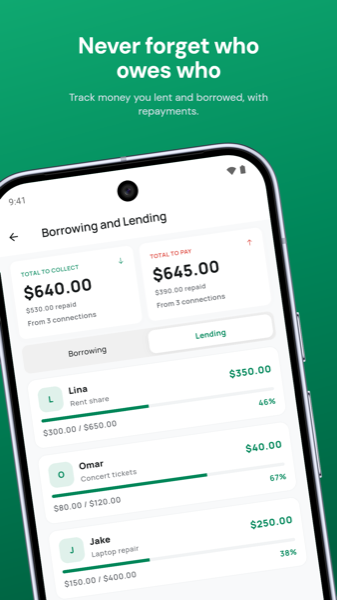
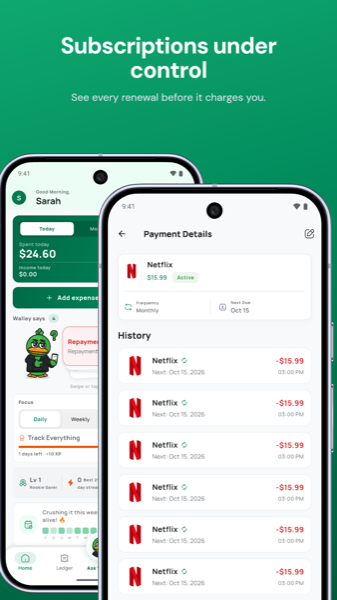
The interface uses a calm palette and a strong typographic hierarchy. The balance is readable at a glance from the home screen, and the full history lives in a plain ledger rather than a feed. Navigation is customizable so the screens you use most are one tap away.
Engineering notes
- Local-first data layer with encrypted storage and a migration path that survived several schema changes without data loss.
- App lock had to handle phones with no screen lock set. An early version locked people out. The fix now falls back gracefully.
- Restoring a backup previously left the app read-only in one edge case. Restore and Premium recovery are now part of the setup flow.
- Receipt and voice features are metered on the free tier so the costs they incur stay predictable.
Outcome and what is next
Walley shipped on Google Play in 2026 with a Finance category listing, no data shared with third parties and no data collected, as declared in the Play data safety section. The next steps are an iOS version with the same local-first model and a web dashboard that restores from the user's own encrypted backup.