Context
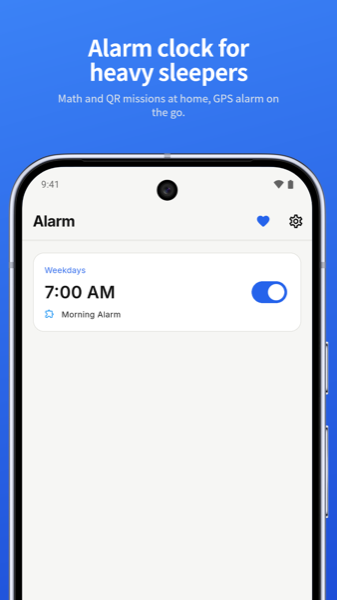
Wakefy started as a personal fix. Its developer kept oversleeping, and every alarm app made snoozing too easy. The idea was simple: the alarm should not stop until you have proven you are awake.
Built by someone who was tired of oversleeping. No account needed.
The problem
- Snooze is a habit, not a choice. Half-asleep people will dismiss anything with one swipe.
- One difficulty does not fit everyone. A light sleeper needs a nudge. A heavy sleeper needs to get out of bed.
- Alarms must be reliable. Battery optimizations, locked screens and OS restrictions silently kill alarms in many apps.
- Commuters nap. Missing your stop is a different kind of oversleeping with no good tool for it.
Approach
Wake-up missions that scale
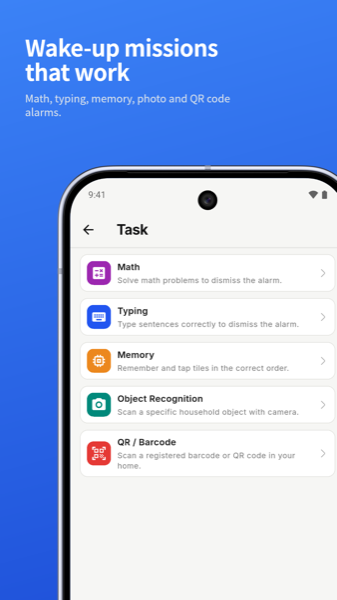
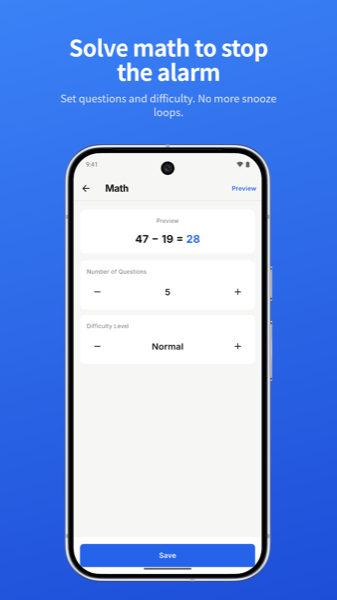
Users tell Wakefy how hard mornings are for them, and it picks a challenge to match. Missions include math problems with adjustable count and difficulty, typing a sentence, memory tiles, photographing a registered object, and scanning a QR or barcode placed somewhere you have to walk to.
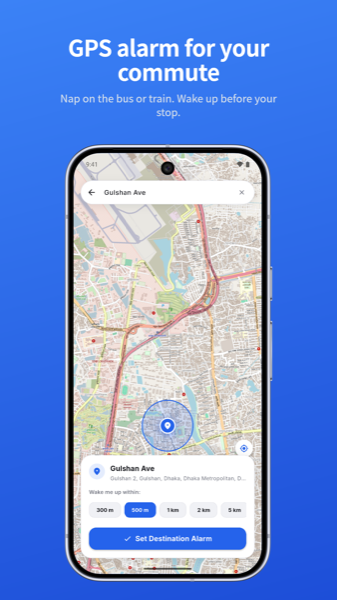
A GPS alarm for the commute
Pick a destination on the map, choose a wake-up radius from 300 m to 5 km, and nap. The alarm fires as you approach the stop. This required careful location sampling to stay accurate on a moving bus without draining the battery.
Reliability as the headline feature
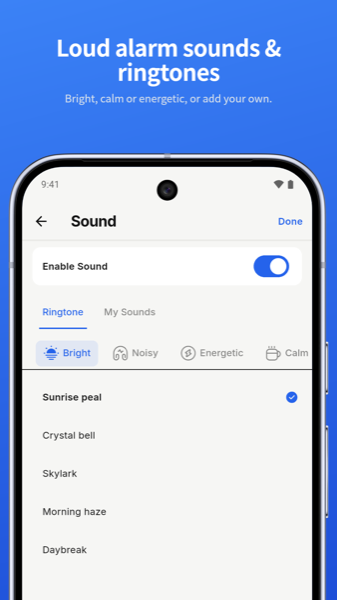
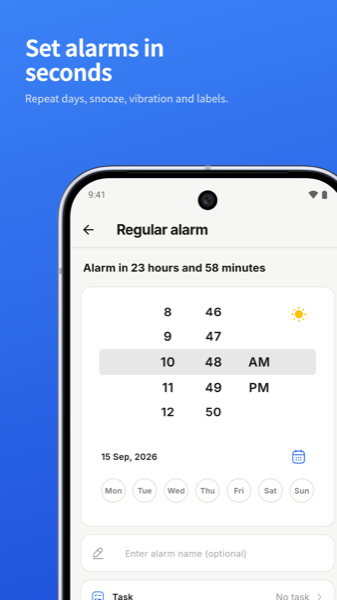
Exact alarm scheduling, a lock-screen alarm display and battery-safe scheduling ensure the alarm rings on time. Gradual volume, custom sounds and light and dark themes make the experience gentler without making it easier to ignore.
Design
The home screen leads with the next alarm time in large type. Permission requirements for exact alarms are explained in a single clear card rather than a wall of dialogs. Themes are easy on sleepy eyes, and sound choices are grouped by mood: bright, calm, energetic and noisy.
Engineering notes
- Exact alarms and foreground services are tuned for modern Android restrictions so alarms survive Doze and aggressive battery management.
- A crash that could occur when alarms rang back-to-back on the lock screen was found and fixed in v1.0.8.
- Wake-ups solved from the lock screen now count toward progress and uninstall protection.
- The app prompts for updates when a new version is available, keeping the reliability fixes in users' hands quickly.
Outcome and what is next
Wakefy is live on Google Play in the Productivity category. The roadmap includes an iOS version and a small bedside hardware companion that extends the mission idea into the physical world.